

Overview
Rating Settings let you manage how candidates are rated in Hireflix. This is separate from Default Settings, which controls the defaults applied to new positions — Rating Settings only controls rating behavior.Steps
1
Open your account
Click on your account name.
2
Find the Rating Settings section
Look for the Rating Settings section in the menu.
3
Enable rating per question
Turn on Allow rating per question to let your team rate candidates on each individual question, instead of rating the interview as a whole.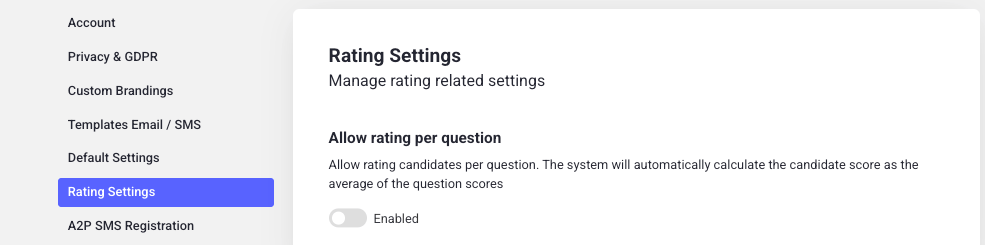
4
Save your changes
Don’t forget to hit Save to apply the changes.
How it works
With Allow rating per question enabled, the candidate’s overall score is no longer set directly. Instead, Hireflix automatically calculates it as the average of the individual question scores your team assigns while reviewing the interview. You can enable or disable this setting at any time.Learn next?
Learn how to rate and review candidates.