

Overview
You can reset your Hireflix password anytime from your account settings.Steps
1
Open Account settings
Click on your account name and go to the Account section.
2
Request a password change
At the bottom of this page, click Change Password, then confirm that you want to change your password.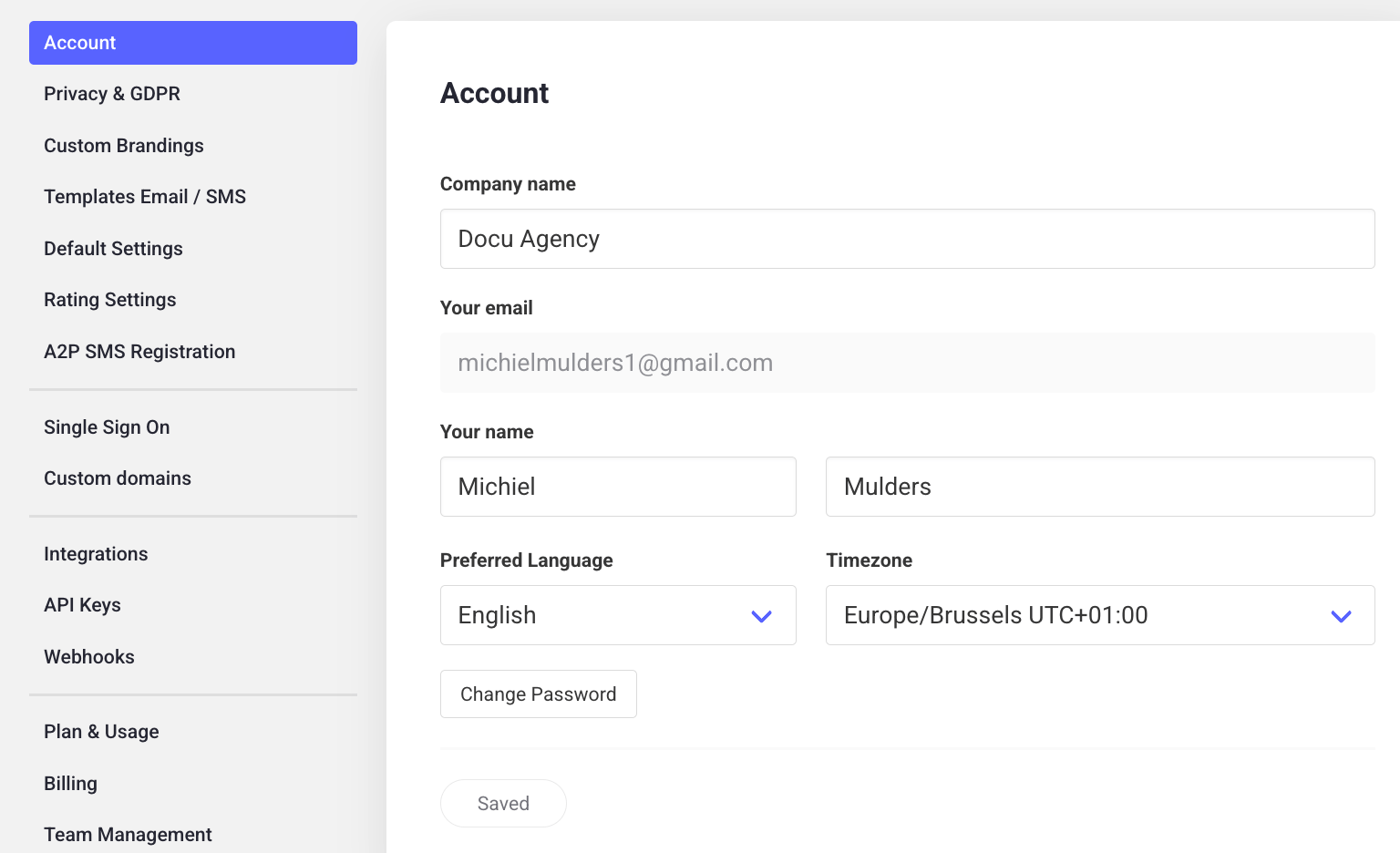
3
Check your email
You’ll receive an email with instructions — click Reset your password in that email.
4
Set your new password
Enter your new password and save it. You’re done!