

Overview
Your company name is used across Hireflix, including in the automatic messages your candidates receive.Steps
1
Open your account
Click on your account name.
2
Find your company name
Under the Account section, you’ll find your company name, which you can edit.
3
Save your changes
Edit the name and don’t forget to hit Save.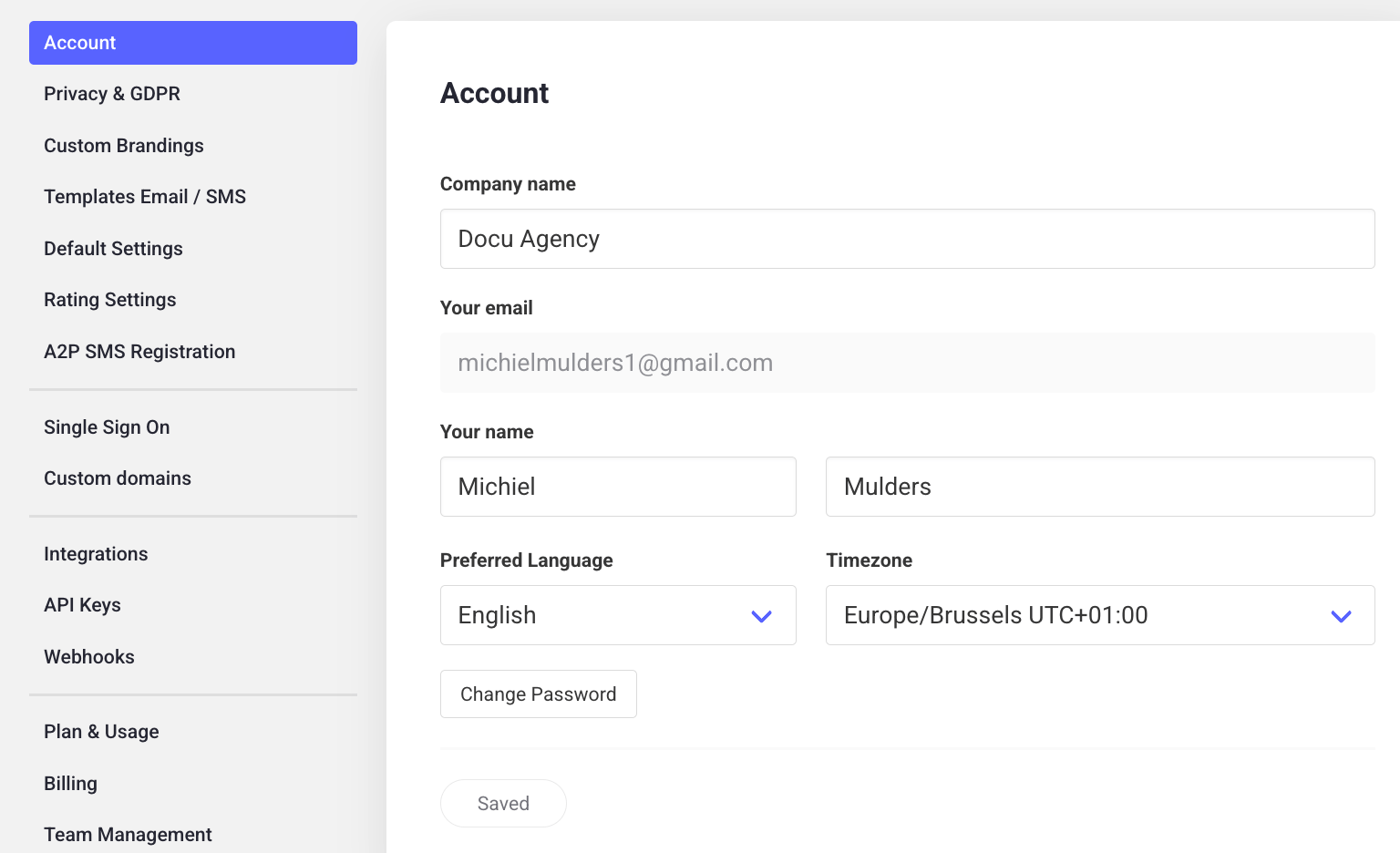
Why your company name matters
Whatever you enter here is what the{company_name} variable pulls in whenever an automatic message is sent to a candidate — it’s how candidates recognize that the invitation is coming from you, so it’s worth getting right.