

Overview
Sharing your Hireflix workspace with other team members helps streamline your company’s hiring process and spread the workload across your HR team.Steps
1
Open Team Management
Go to Account > Team Management and click Add Member.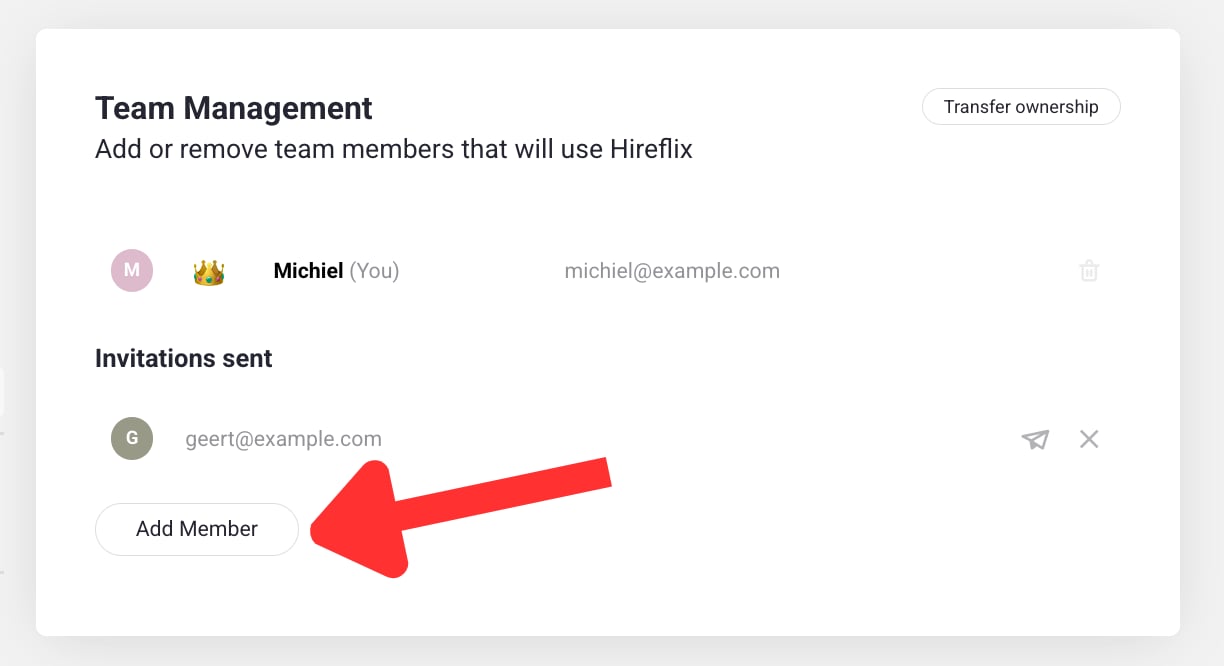
2
Add their email
Enter the email address of the person you want to invite.
3
They accept the invite
When they receive your email, they need to register — once they do, they automatically become a member of your workspace.
Learn next?
What power do team members have? Check out roles & permissions.