Overview
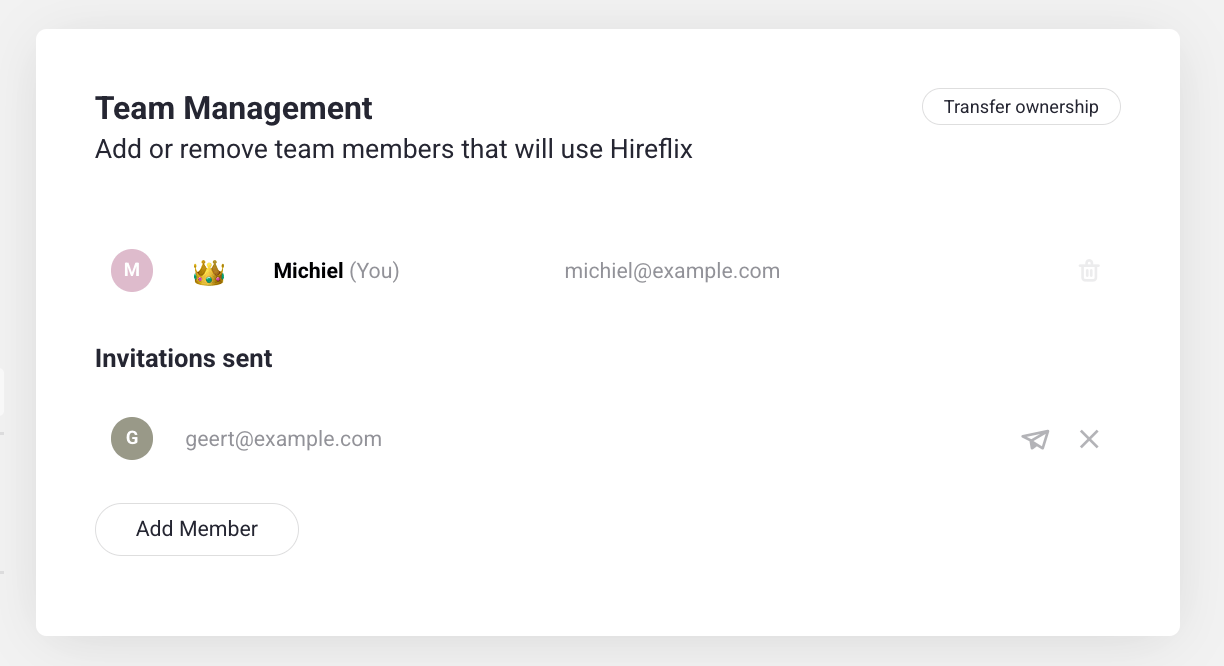
In Hireflix, there can only be one account owner (admin) at a time — the person who originally created the account, with the ability to add or remove other team members. All other users share the same permissions for day-to-day operations, like creating interviews, reviewing candidates, and sending invitations. You can transfer ownership to another team member anytime from Team Management.Steps
1
Open Team Management
Go to Account > Team Management.
2
Transfer ownership
Locate the user you want to make the new admin and click Transfer ownership. Confirm the action.