

Overview
You can remove team members, or withdraw pending invites, from the Team Management section of your account.Steps
1
Open Team Management
Click on your account name and select Team Management. You’ll see an overview of all active users.
2
Remove a team member
Click the trash icon next to a team member to remove them from Hireflix. You can’t remove the account admin/owner.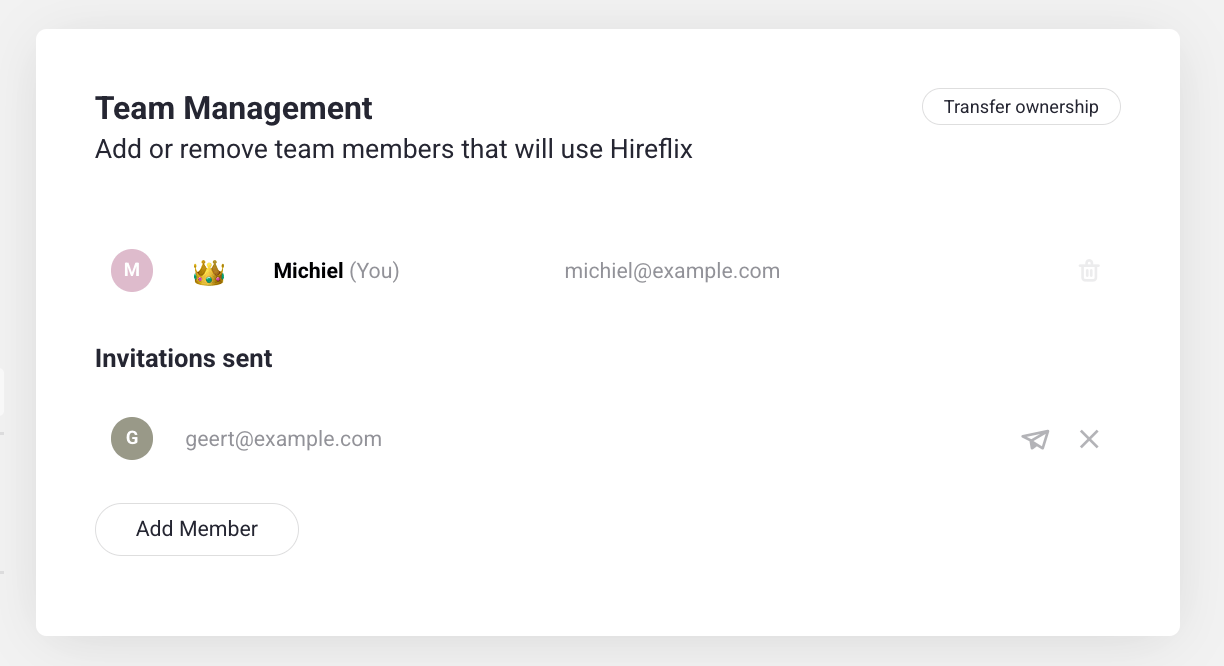
3
Or withdraw a pending invite
Haven’t they joined yet? You can withdraw the invite instead. Click the X icon next to a pending invite to withdraw it. This prevents that person from signing up with that invite.