

Overview
You can update your payment information or invoice details anytime from your account’s Billing section.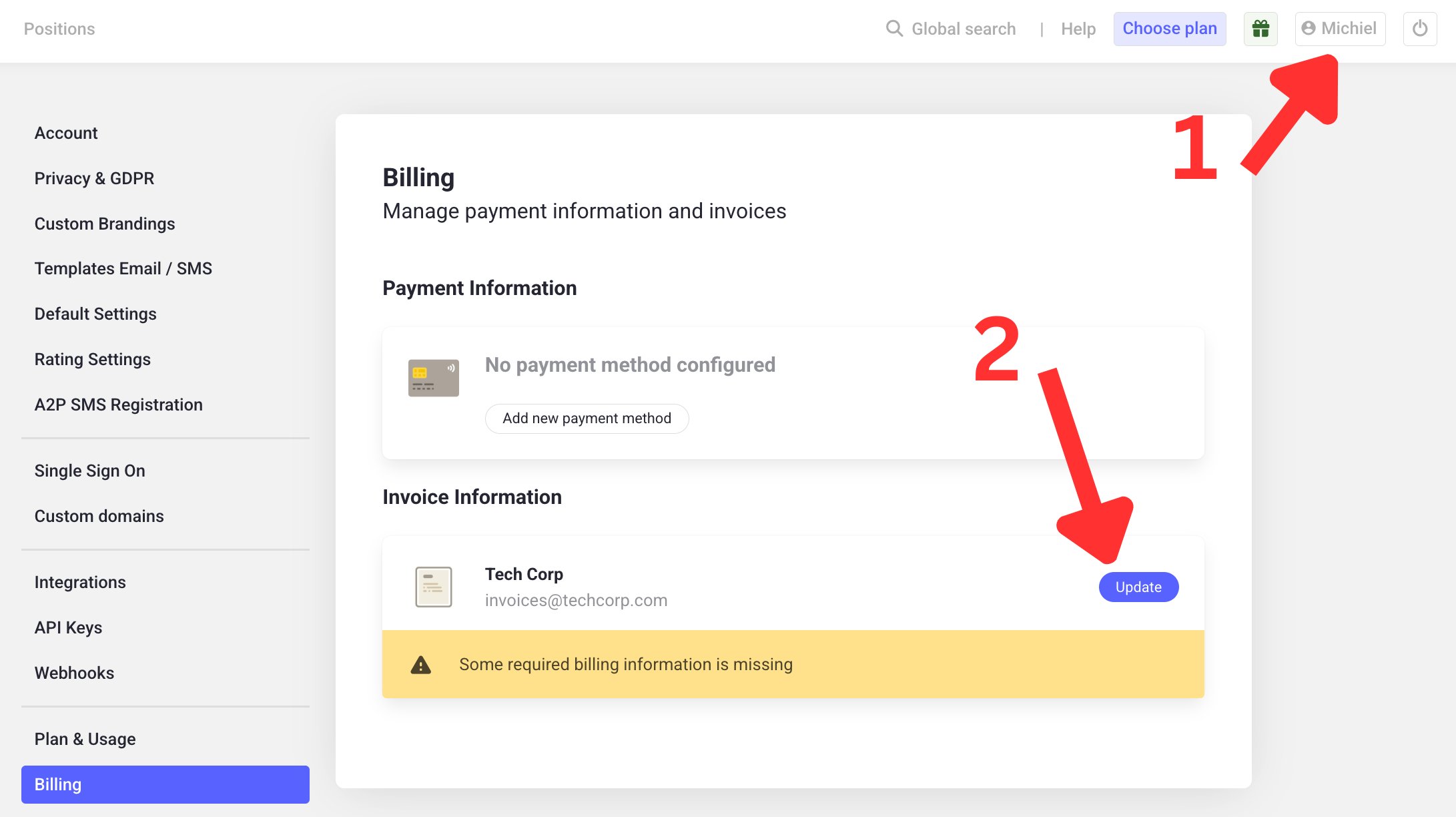
Steps
1
Open your profile menu
Click on your profile name on the dashboard, in the top right.
2
Go to Billing
Navigate to the Billing section in the menu on the left.
3
Update your details
From here, you can change your payment information (e.g. credit card) or your invoice information (e.g. company name, VAT number).