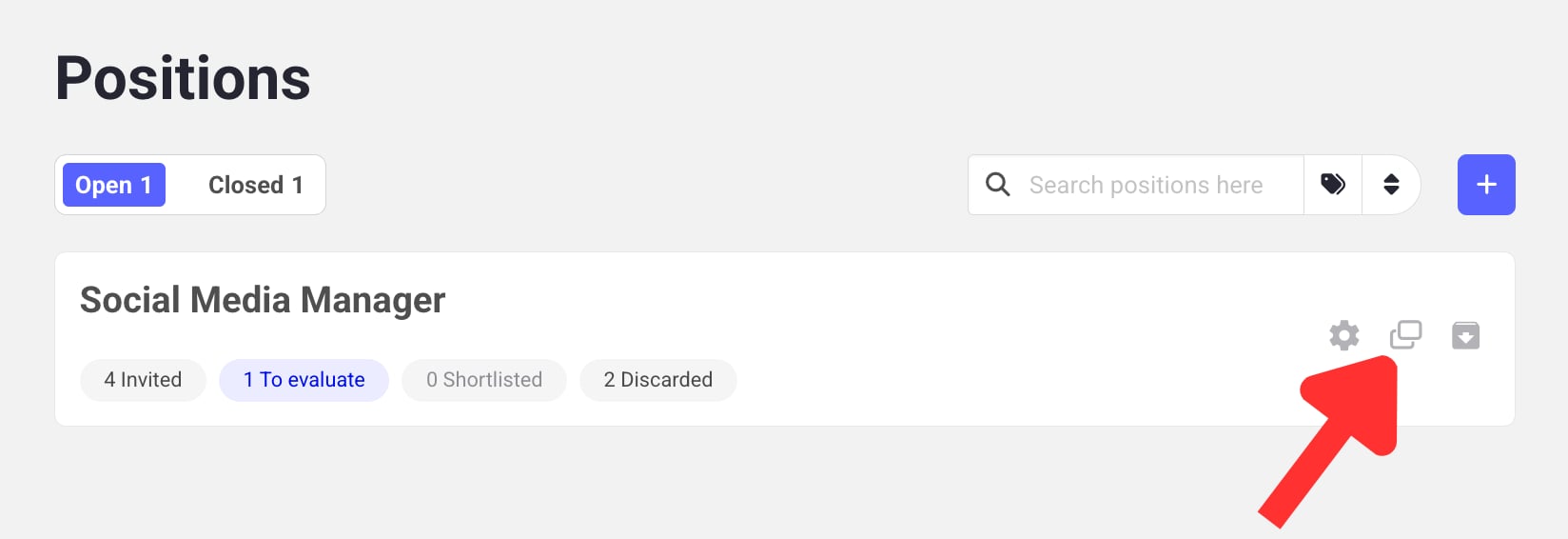
Cloning a job position creates an exact copy of it (questions, videos, tailoring, and messages), so you can reuse it without disturbing the original. It’s useful when you want to:
Re-open a position from scratch for a new hiring round.
Edit a position after candidates have already been invited.
To clone a job position, click the duplication icon next to a position.
Don’t forget to rename the copy. Candidates shouldn’t see a position titled “Copy of…”.
Learn next?
Learn how to close a job position once you’re done hiring for it.
Assistant
Responses are generated using AI and may contain mistakes.