

Overview
How to set up SSO between Hireflix and OneLogin. OneLogin supports SAML 2.0, but since Hireflix doesn’t have a predefined integration, you’ll need to use the Custom Connector approach OneLogin provides.This page contains more specific details on top of OneLogin’s official Custom Connector instructions.
Steps
1
Enable SSO in Hireflix
From your Hireflix account settings, enable SSO and open the Service Provider Metadata Endpoint file.
2
Add the Custom Connector in OneLogin
In OneLogin, add the SAML Custom Connector (Advanced) application, then open its Configuration settings and set the following fields:
Leave all other fields untouched.
3
Upload the metadata to Hireflix
In the OneLogin App Configuration page, select More Actions and download the SAML metadata. Upload this file to Hireflix on the SSO configuration page, under Identity Provider Metadata XML.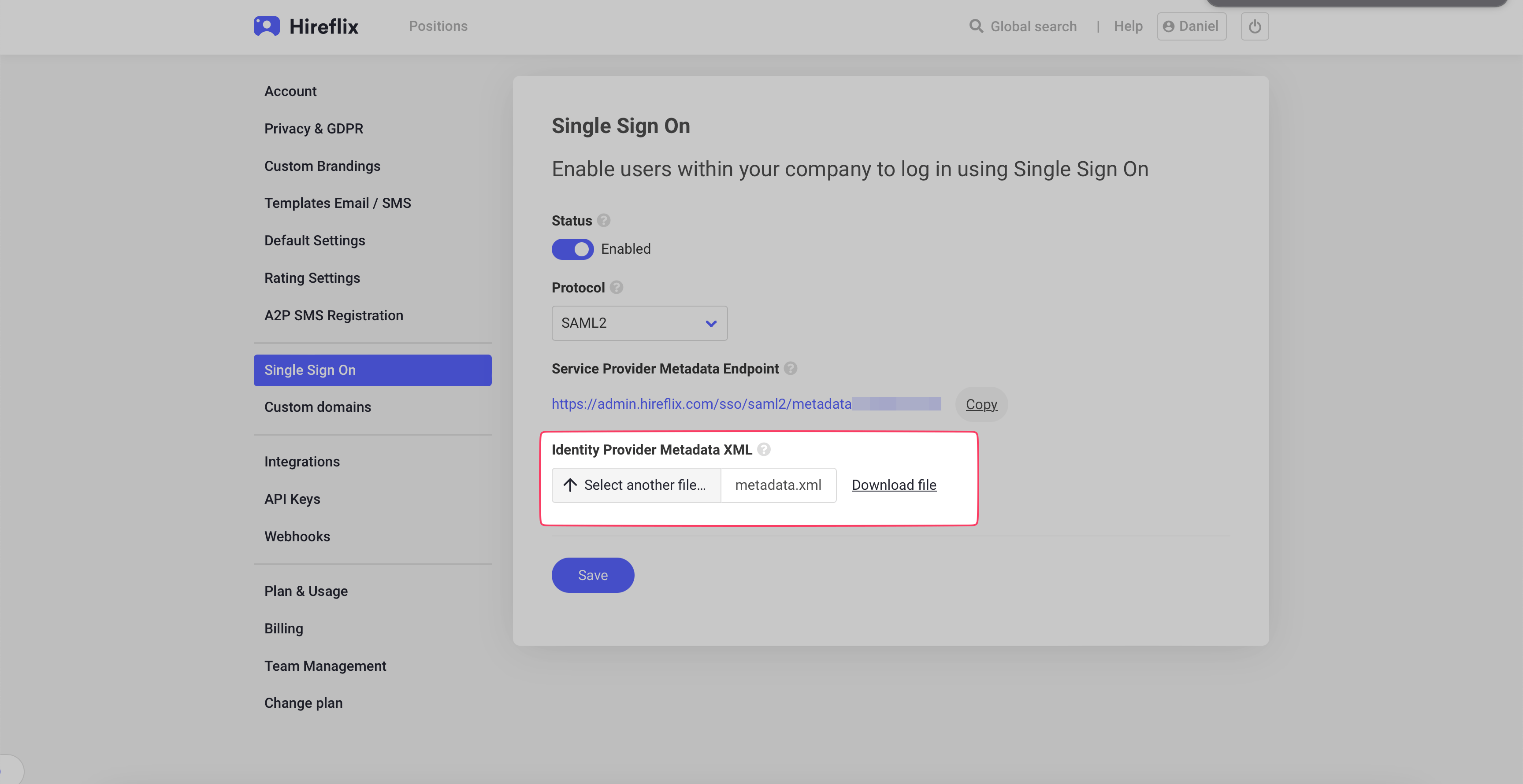
Need help?
Contact us at support@hireflix.com and we’ll help you out.