

When to use this
Hireflix supports two main ways to invite candidates to interviews:- Individual invitations — where each candidate gets a unique, personal interview link.
- Public links — where everyone uses the same link to access the interview.
How to use this
When you use the “inviting a candidate” mutation, Hireflix returns two URLs: a short and a public one. For example:public-application URL like so:
- The URL path now includes
/public-application/instead of the short link. - You use the long-form interview ID (returned when you invite a candidate or list interviews).
- A query parameter (
?firstName=Michiel) automatically fills the candidate’s first name field.
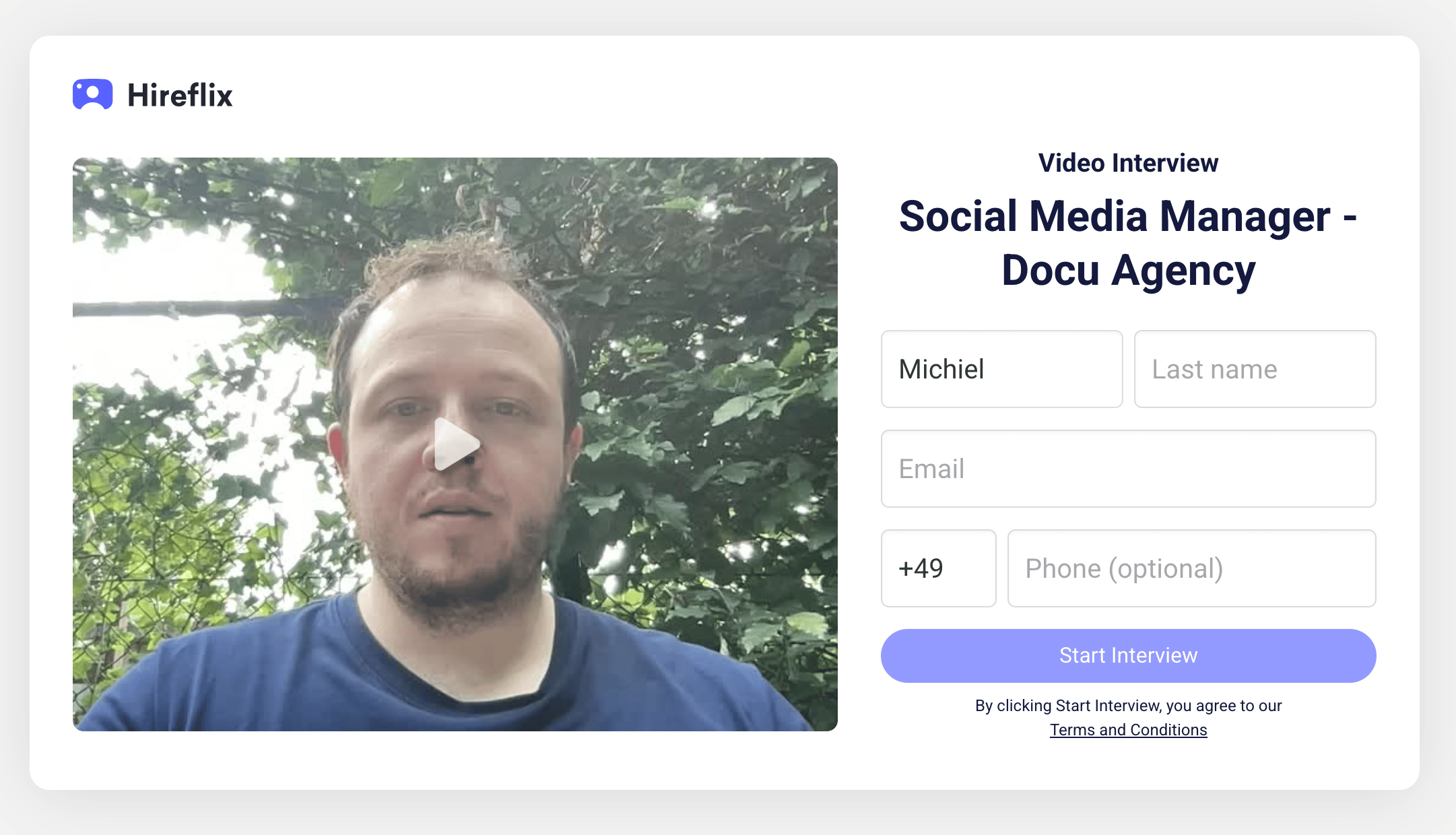
Supported parameters
You can pass the following fields as query parameters to prefill the interview form:| Parameter | Description |
|---|---|
firstName | Candidate’s first name |
lastName | Candidate’s last name |
email | Candidate’s email address |
phoneNumber | Candidate’s phone number (must include the country code and use %2B instead of +). A Belgian phone number +32 491 50 50 50 becomes %2B32491505050. |