

x-hireflix-signature header. This header can be used to verify the authenticity of the webhook event.
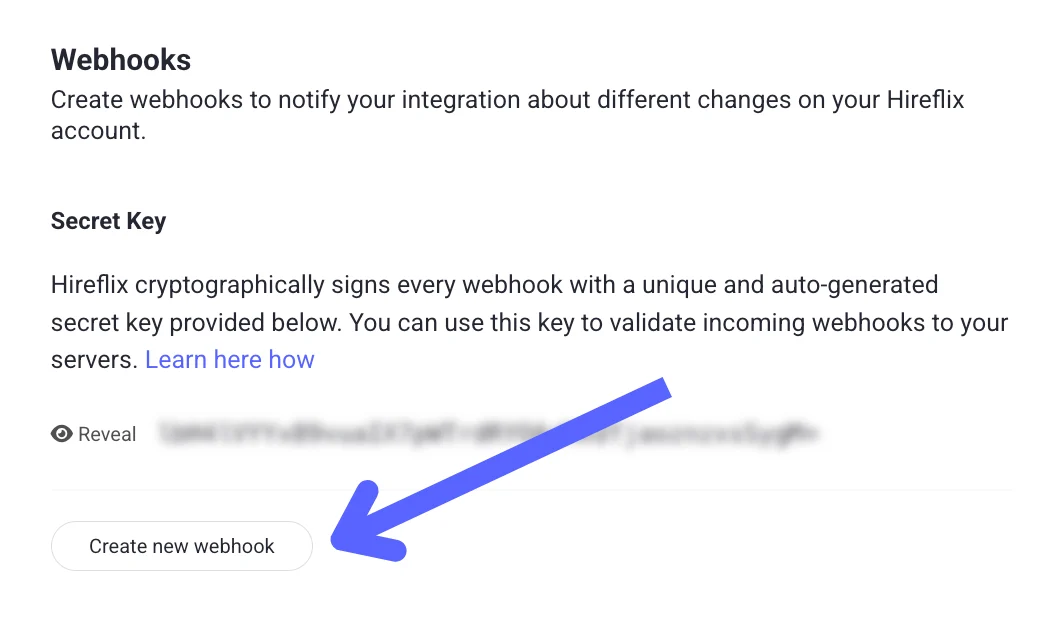
You can verify this signature using your webhook’s secret key, available under Profile → Webhooks → “Reveal Key” in the Hireflix Dashboard.
Verification Steps 🔑
- Extract the signature from the
x-hireflix-signatureheader. It’s Base64-encoded, so decode it first. - Compute your own signature
- Use HMAC with SHA-256.
- Use your webhook’s secret key as the key.
- Use the raw JSON payload (request body) as the message.
- Compare the signatures
If your computed signature matches the header value, the event is authentic.
true to your console if the signature matches the expected one.