

Get started in three steps
Hireflix provides a GraphQL API that allows you to integrate one-way video interview functionality into your own systems. Using the Hireflix API, you can programmatically invite candidates to interviews, track interview progress, and retrieve video responses. Watch the quickstart video or follow the steps below:You can use the Apollo GraphQL Sandbox (studio.apollographql.com/signup) to send queries to the Hireflix API at api.hireflix.com/me
1
Create a Hireflix Account
The easiest way to authenticate is with an API Key. Every Hireflix account can generate API keys, which carry your account permissions and should be kept secure. First, you need to sign up via the Hireflix website.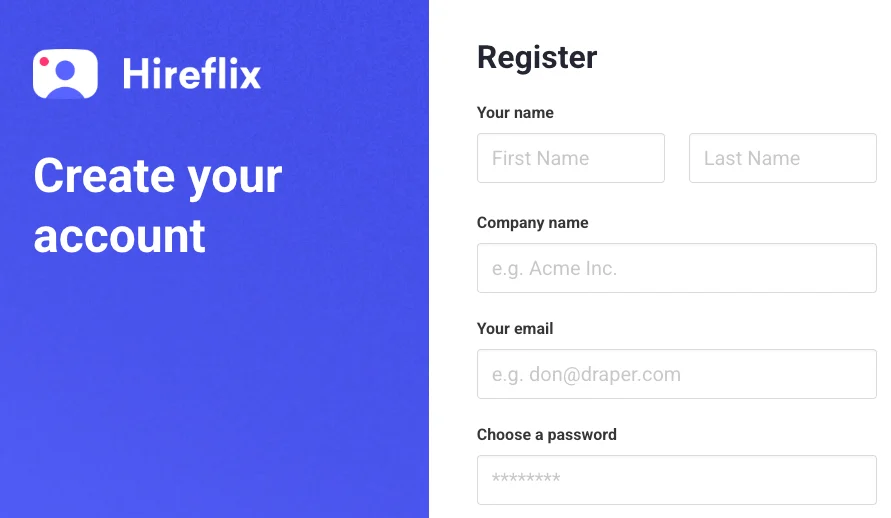
2
Create an API Key
Log in to your Hireflix account, open your **profile **by clicking on your name at the top right of your screen, and navigate to the API Keys section. From there, create your first API key and give it a label so you can easily recognize it later.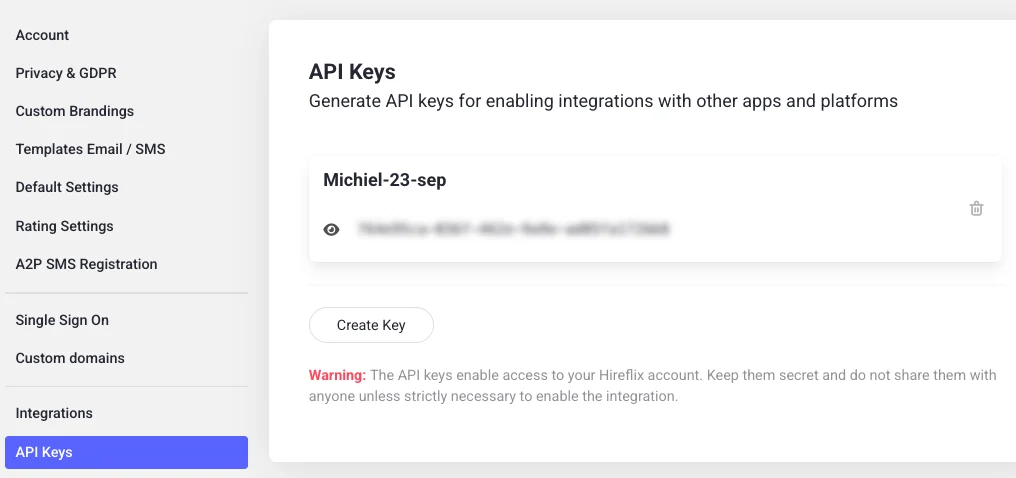
3
Send Your First API Request (Apollo Studio)
All requests to the Hireflix API (https://api.hireflix.com/me) require authentication. Add your API key to the request headers as shown below:Create an Apollo Studio accountIf you are new to GraphQL APIs, let’s learn how to send requests using Apollo Studio. Go to https://studio.apollographql.com/signup and sign up for a free Apollo Studio account. Apollo Studio is a web tool that lets you send test requests to the Hireflix API without writing any code.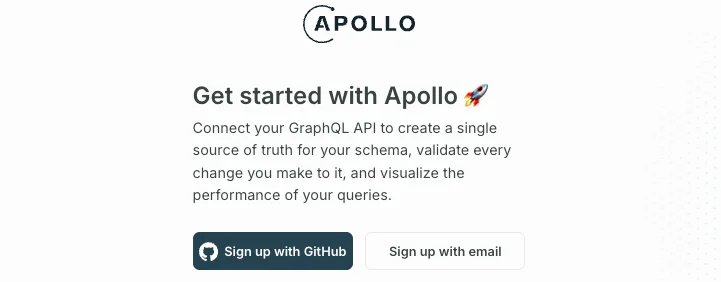
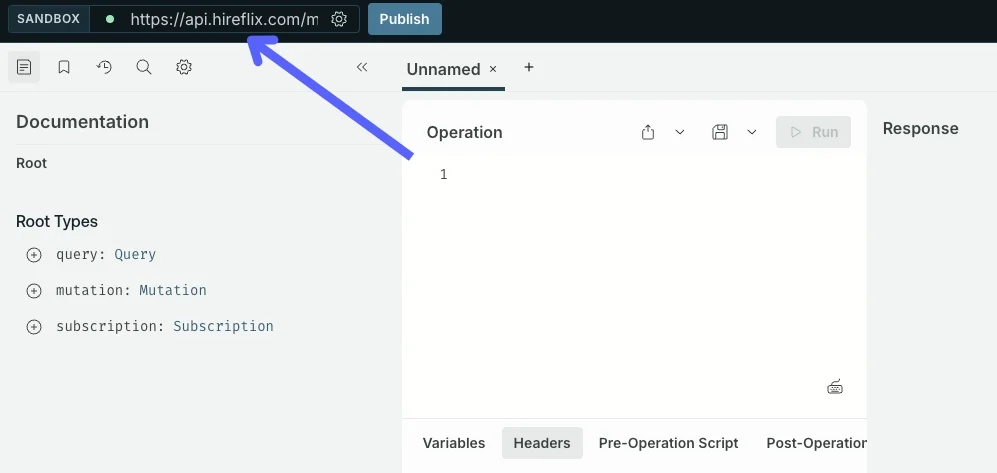
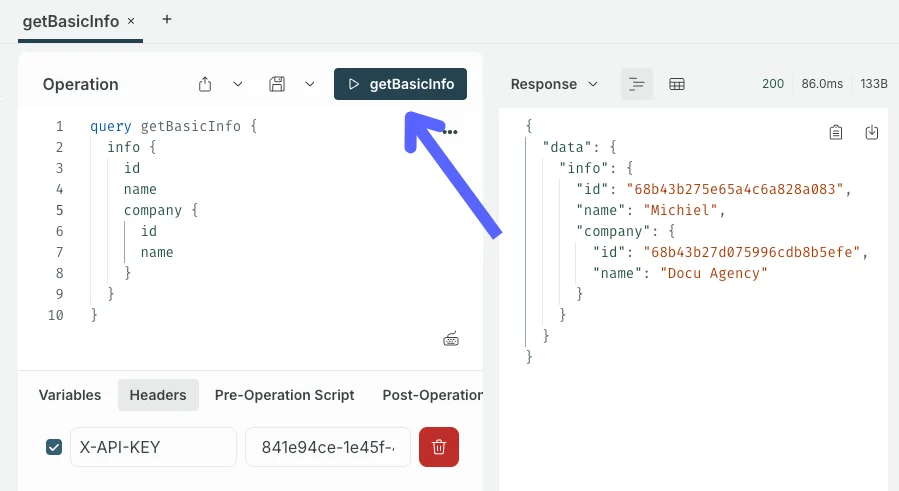
getBasicInfo). You should see your Hireflix account details appear in the response panel. 🎉 Success!What should I learn next?
Explore the GraphQL basics, or learn about interview and position management. Later, webhooks can help you trigger actions when events occur.Unfamiliar with GraphQL?
Get a quick introduction to GraphQL and learn the difference between queries and mutations.
Interview Management
Explore the full interview flow: from inviting candidates to reviewing completed interviews.
Position Management
Learn how to create, update, and organize positions (jobs).
Webhooks
Discover how to use webhooks to trigger actions when events occur, like when a candidate finishes an interview.