

x-hireflix-signature header. This header can be used to verify the authenticity of the webhook event.
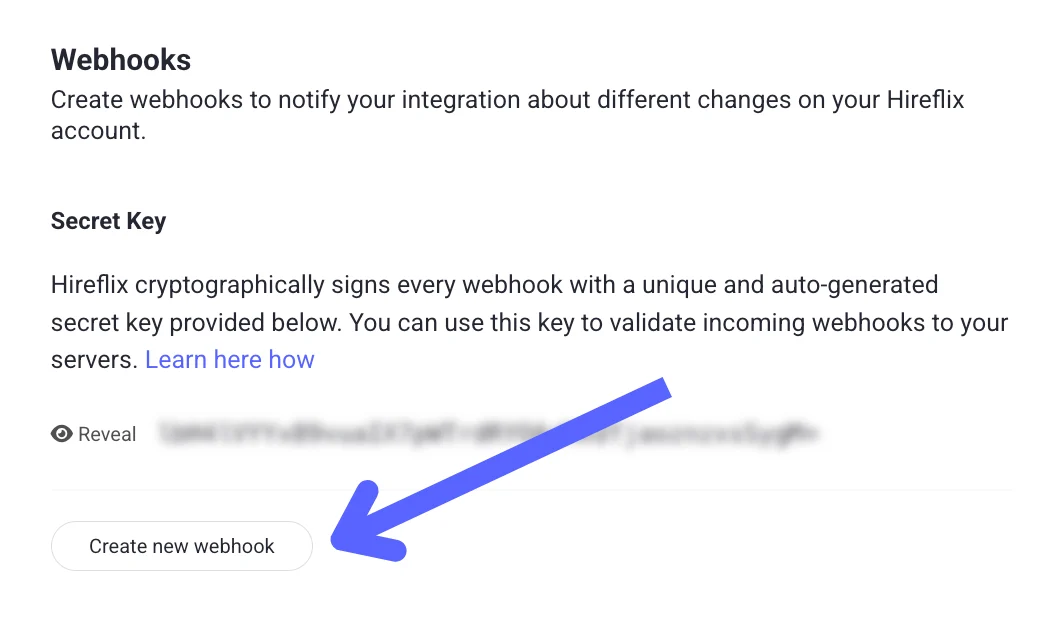
You can verify this signature using your webhook’s secret key, available under Profile → Webhooks → “Reveal Key” in the Hireflix Dashboard.
Or, fetch it via the API
If you’d rather retrieve the secret key programmatically instead of from the dashboard,webhooks.secretKey returns the same value.
Verification Steps 🔑
- Extract the signature from the
x-hireflix-signatureheader. It’s Base64-encoded, so decode it first. - Compute your own signature
- Use HMAC with SHA-256.
- Use your webhook’s secret key as the key.
- Use the raw JSON payload (request body) as the message.
- Compare the signatures
If your computed signature matches the header value, the event is authentic.
true to your console if the signature matches the expected one.
Learn next?
Let’s learn how to track the interview funnel and drop-off using webhooks.