
You can easily make custom API calls to the Hireflix GraphQL endpoint directly from Zapier using Webhooks by Zapier → Custom Request. This is especially useful if you want to invite candidates, fetch data, or trigger actions without writing code.

Step 1: Add a “Webhooks by Zapier” step

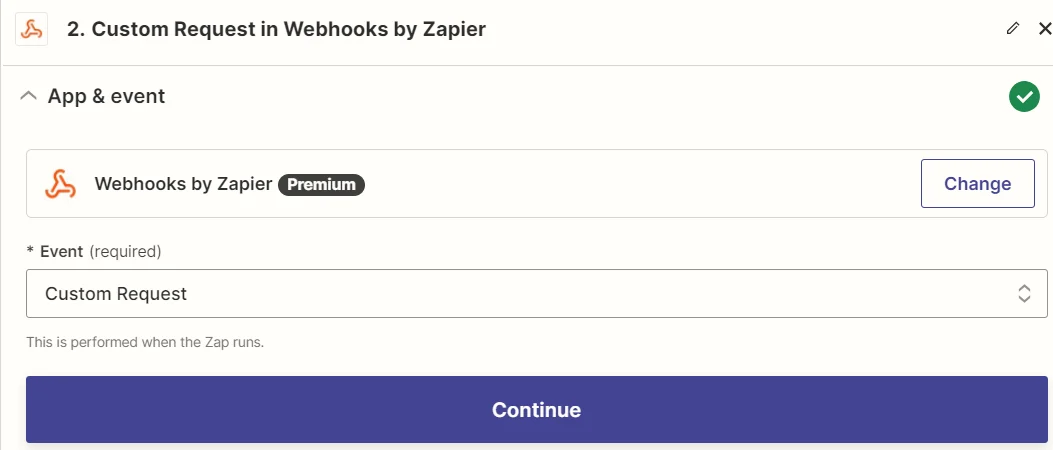
In your Zap, choose: -> App: Webhooks by Zapier
-> Event: Custom Request
Zapier custom request

Step 2: Configure the Request

  • Method: POST
  • URL: https://api.hireflix.com/me
  • Content-Type: application/json
  • Headers: X-Api-Key: <your-api-key>
Then add your GraphQL mutation or query. You can paste the GraphQL query into the “Data” field. For example, here’s how you can invite a candidate to an interview:
{
  "query": "mutation { Position(id: \"650wdwd4228691562da4062b3\") { invite(candidate: { name: \"Greg\", email: \"greg@hireflix.com\" }) { id url { public short } } } }"
}
If you are unsure how to structure your query as a one-line web payload? Read this FAQ tutorial.
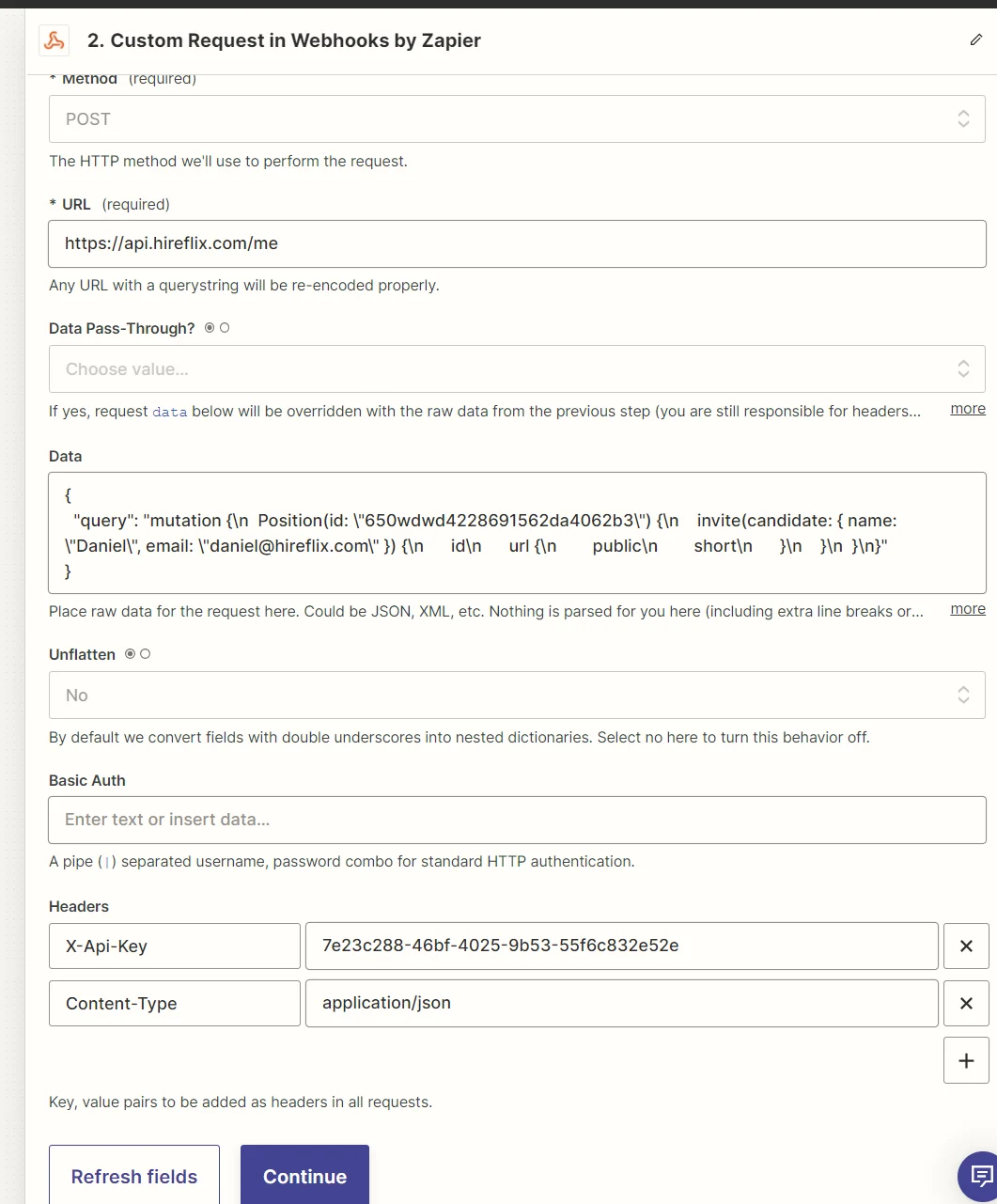
Zapier configure request

Step 3: Test your setup

Click Continue → Test Step. If succesful, you’ll see a response like this:
{
  "data": {
    "Position": {
      "invite": {
        "id": "68d4164f19367e041b2030c0",
        "url": {
          "public": "https://app.hireflix.com/HQ2oCyTN",
          "short": "https://hflx.io/c/HQ2oCyTN"
        }
      }
    }
  }
}

Step 4: Fetch Transcripts using Zapier

Below you can find the query you need:
{
  "query": "query {\n  interview(id: \"HERE YOUR INTERVIEW ID\") {\n    questions {\n      answer {\n        transcription {\n          languageCode\n          text\n        }\n      }\n    }\n  }\n}"
}
And here’s the code you need to process the information:
const parsed = JSON.parse(inputData.payload);
const questions = parsed.data.interview.questions;

const result = {};

questions.forEach((q, i) => {
  result[`transcription_${i + 1}`] = q.answer?.transcription?.text || "";
});

return result;

📹 Watch our video tutorials