

When to use this
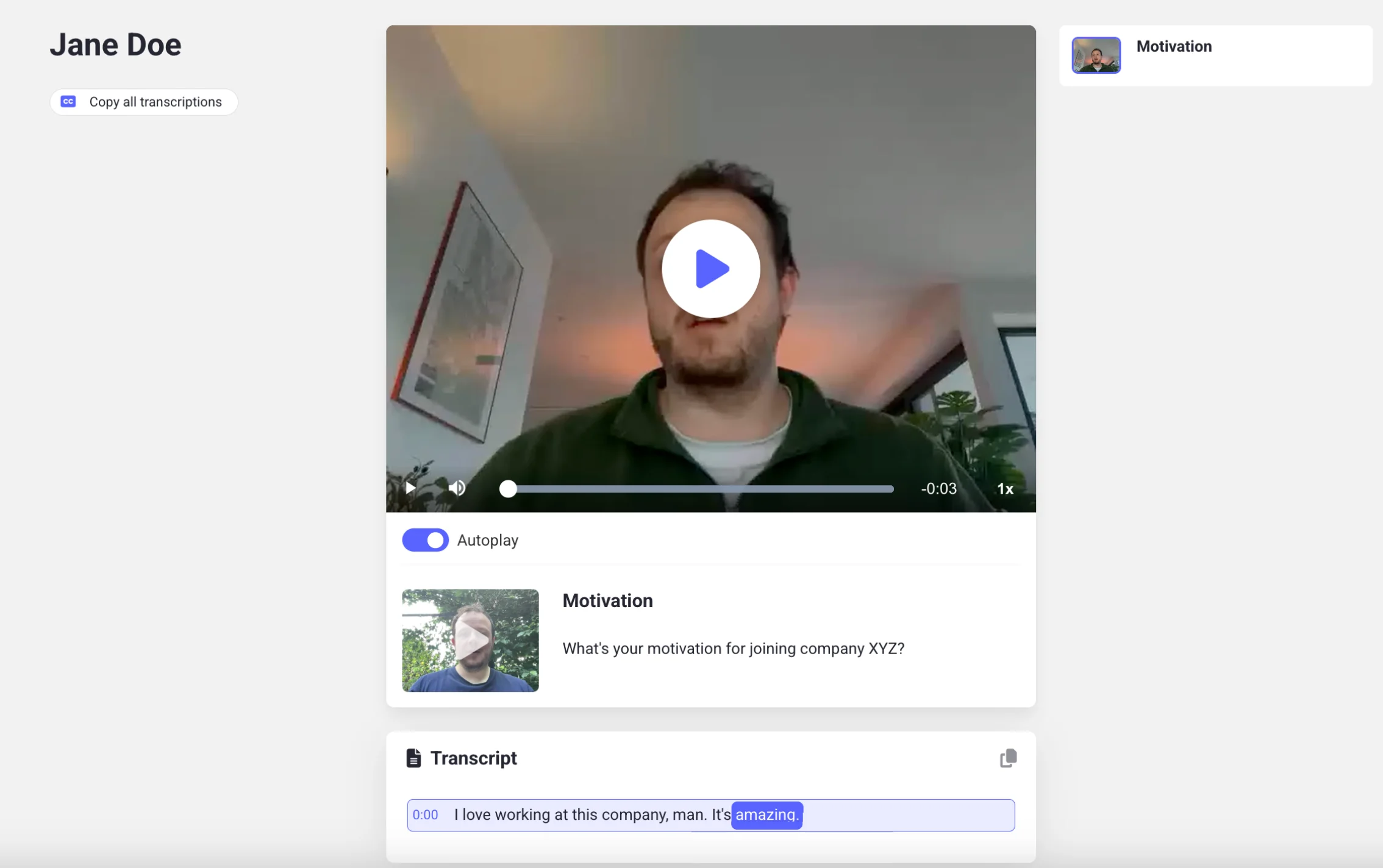
Use this mutation when you want to create a public link to a candidate’s completed interview. For example:- To share the recording with external reviewers or clients.
- To let users in your ATS watch interviews directly, without logging into Hireflix.
GraphQL Request
Replace theinterviewId with the interview you want to share. You can find the interview ID via the guide “List Interviews for a Position”. Don’t forget to update the Hireflix API Key in the headers.
Explanation
shareInterview(interviewId)— the interview you want to share.shareInterview(durationInDays: 100)— creates a new shareable link valid for 100 days. The default is 75 days if you omit the parameter. The minimum is 1 day.- `shareInterview(labels: [“ext_firm”]) - add custom labels to the shared URLs so you can tag with whom you’ve shared it. This field is optional.
externalLink.url(on InterviewType) — the actual public URL. Anyone with this link can view the interview without signing in. Be careful when sharing this link publicly!
Example Response
Best Practices
- Recommended expiry: Use at least 365 days. Shorter durations risk breaking the link before external reviewers have time to watch.
- Avoid long-lived links: Extremely long or permanent links can be a privacy risk if leaked.
Learn next?
Let’s learn how to list interviews for a position.