> ## Documentation Index
> Fetch the complete documentation index at: https://hireflixsl.mintlify.site/llms.txt
> Use this file to discover all available pages before exploring further.
# How-to: Sharing a Job Position
## Overview
Hireflix lets you control who gets access to each job in your workspace. When you create a job, you can decide whether you're the only one who can see it, or share it with specific team members — or the entire team.
## How access works
* **Administrators** always have access to every job, and can decide which users get access to which jobs.
* Once a user is granted access to a job, they can also manage who else gets access to it.
Users other than Administrators can't remove access from Administrators or from the **Job Owner** (the user who created the job — either an Administrator or a regular user).
## Steps
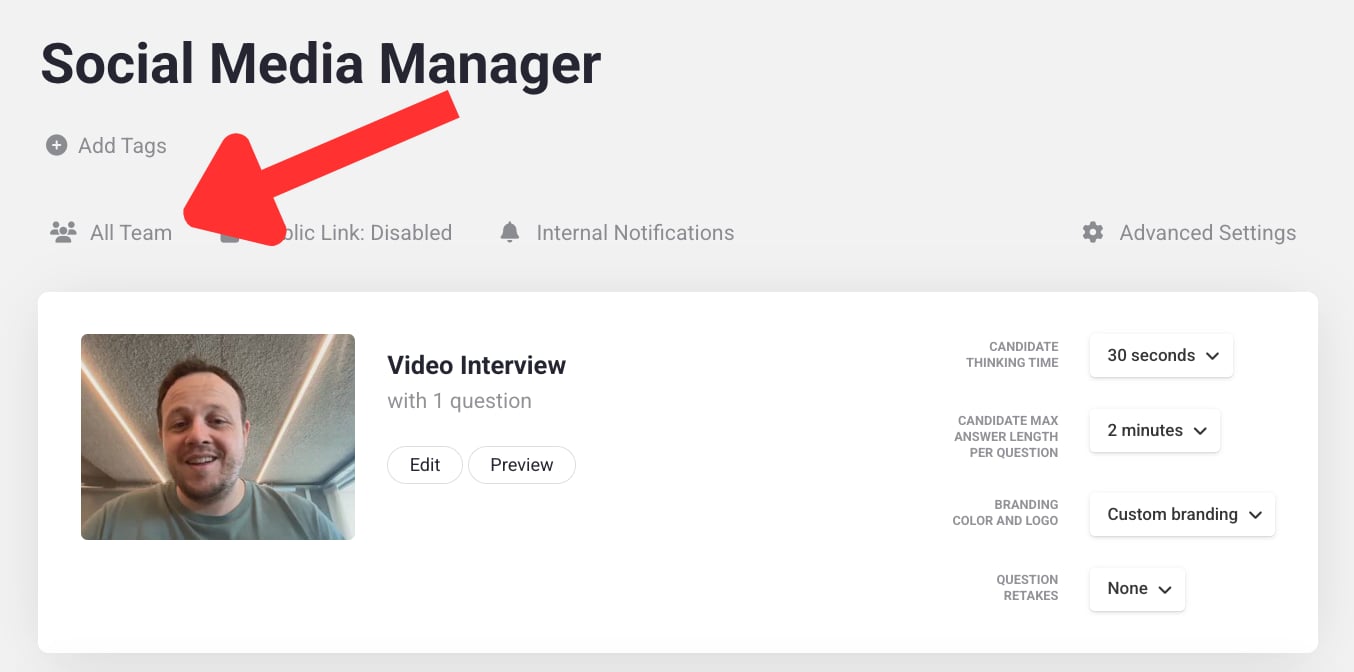
Go to the job you want to manage access to.
Click **All Team**.
 **Share with the entire team** is selected by default. Unselect it to give access to only specific users.
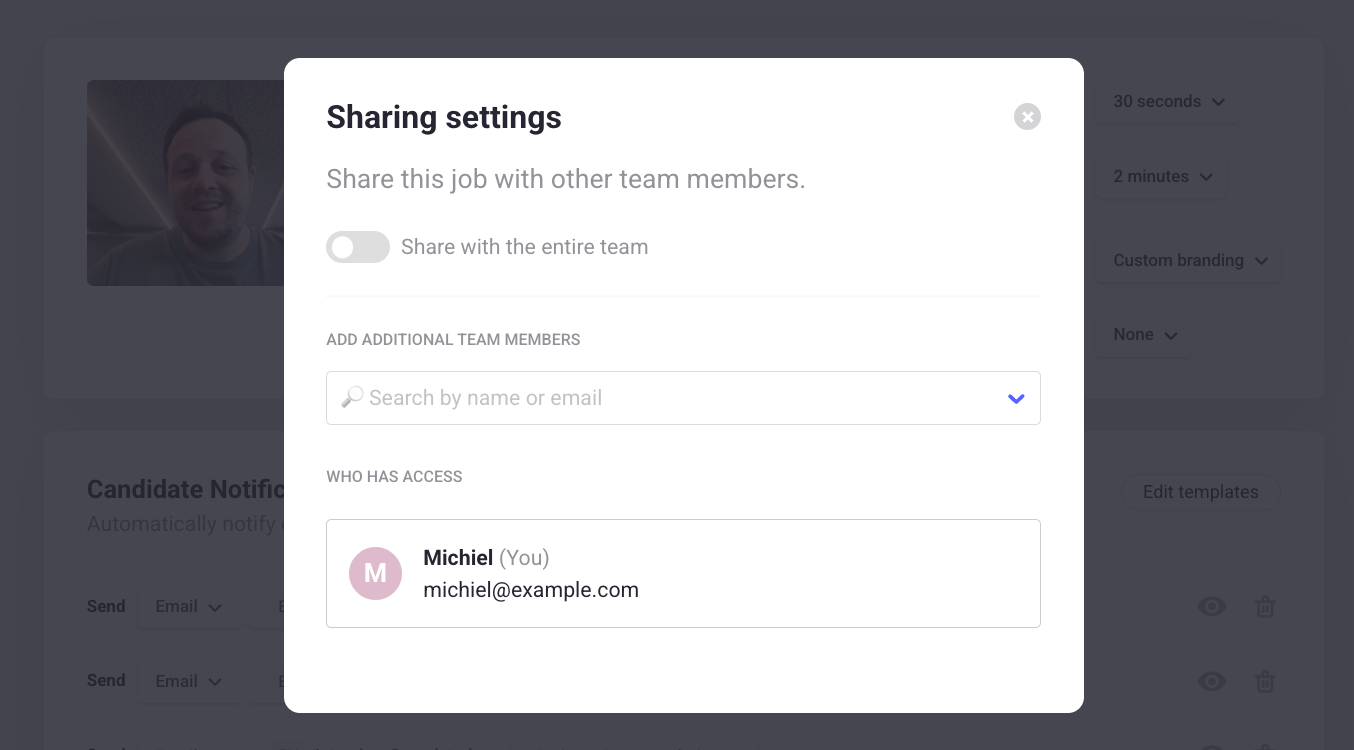 Select the users you want to grant access to.
Check out our tips and examples for building a great interview.
Select the users you want to grant access to.
Check out our tips and examples for building a great interview.