> ## Documentation Index
> Fetch the complete documentation index at: https://hireflixsl.mintlify.site/llms.txt
> Use this file to discover all available pages before exploring further.
# Branded Interview Page
## Overview
Custom branding brings the interview experience closer to your company, set your brand color and logo so candidates recognize your company throughout the interview.
## Steps
Navigate to **Account > Custom Brandings**.
Click **Create a new branding**.
Upload your company's logo.
The image should be at least 360px wide and suitable to display on a white background.
Pick a brand color. If you've already uploaded your logo, the color picker will pull colors straight from it, so you don't need to enter color codes yourself.
Preview the theme on the right to make sure you like what candidates will see.
Click **Save** to apply your branding.
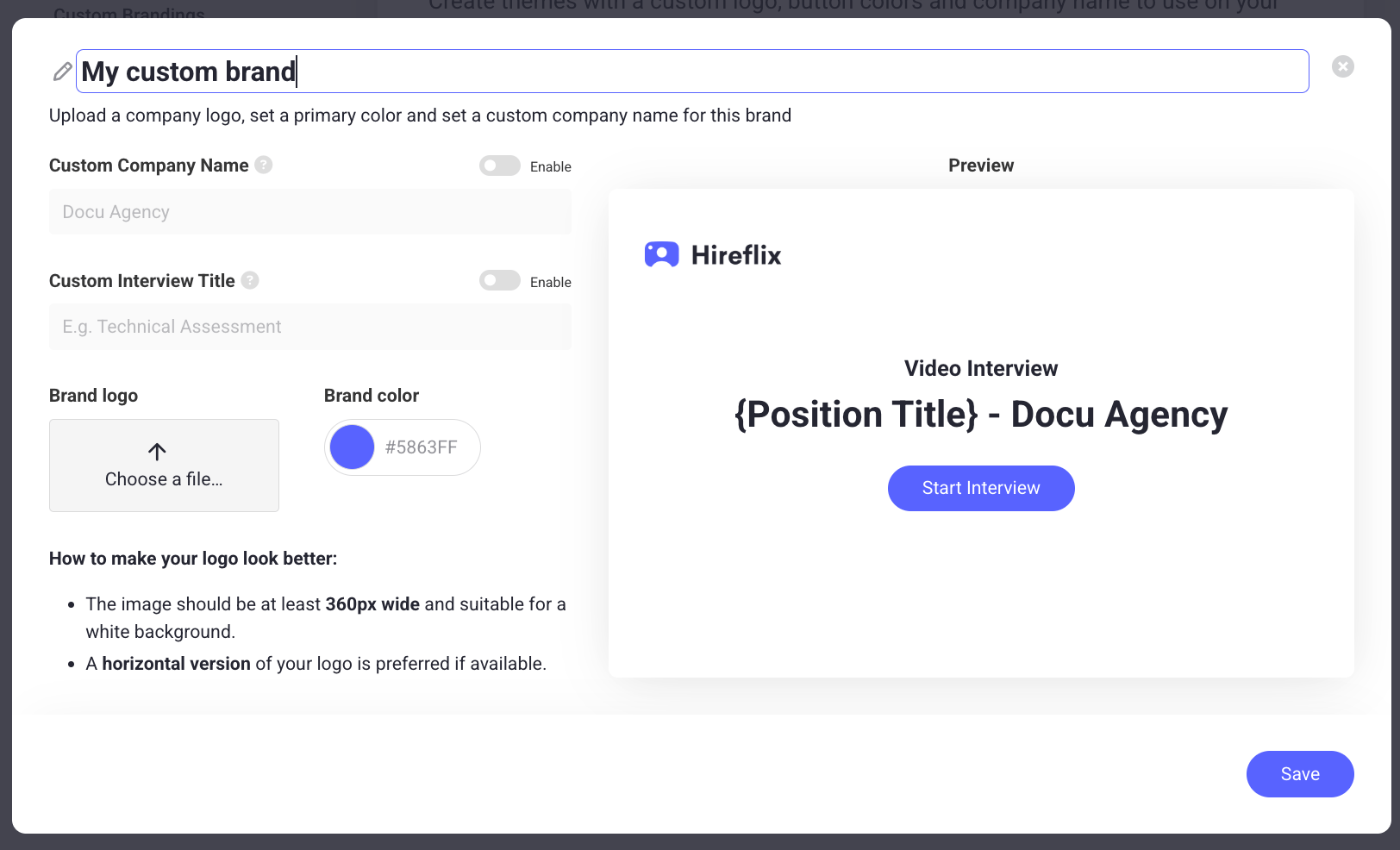 You can also set a custom company name or a custom interview title if you'd like.
## Applying a brand to a job position
You can also reach Custom Brandings while [tailoring a job position](/user/building-the-interview/tailoring-the-interview): open the position's settings and select which brand to apply to it, or add a new one. Choosing to add a new brand takes you straight to the Custom Brandings page described above.
Learn how to use your own domain on interview links.
You can also set a custom company name or a custom interview title if you'd like.
## Applying a brand to a job position
You can also reach Custom Brandings while [tailoring a job position](/user/building-the-interview/tailoring-the-interview): open the position's settings and select which brand to apply to it, or add a new one. Choosing to add a new brand takes you straight to the Custom Brandings page described above.
Learn how to use your own domain on interview links.