> ## Documentation Index
> Fetch the complete documentation index at: https://hireflixsl.mintlify.site/llms.txt
> Use this file to discover all available pages before exploring further.
# How-to: Inviting Team Members
## Overview
Sharing your Hireflix workspace with other team members helps streamline your company's hiring process and spread the workload across your HR team.
## Steps
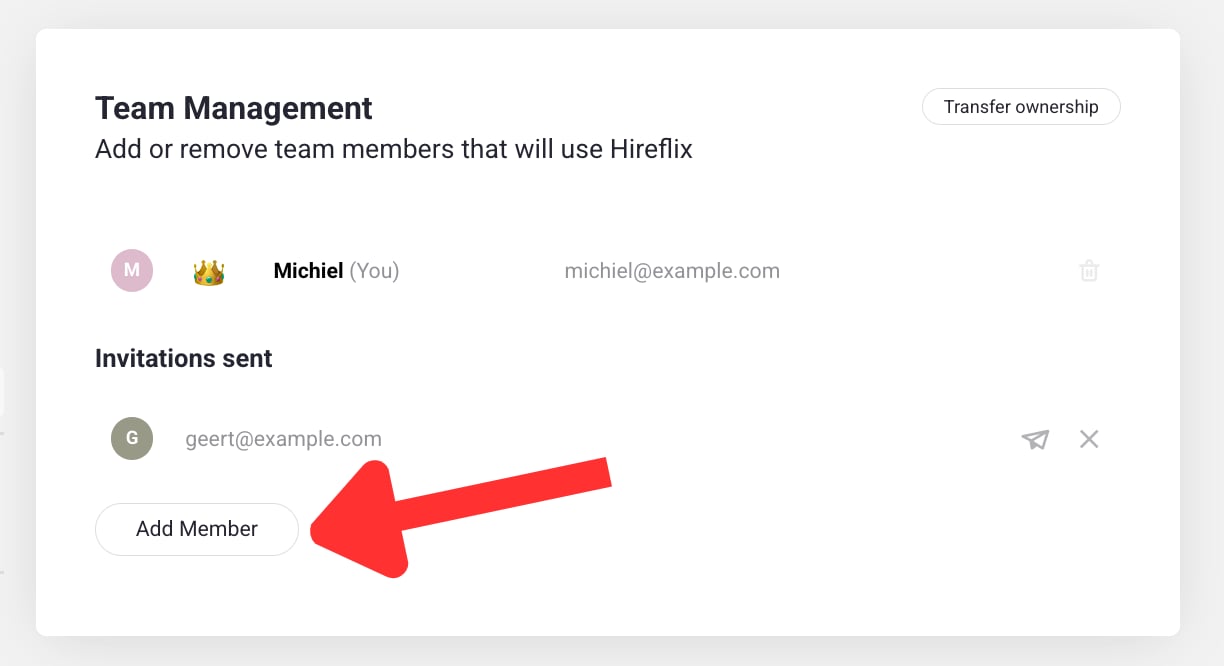
Go to [**Account > Team Management**](https://admin.hireflix.com/en/my-account/team-management) and click **Add Member**.
 Enter the email address of the person you want to invite.
When they receive your email, they need to register — once they do, they automatically become a member of your workspace.
What power do team members have? Check out roles & permissions.
Enter the email address of the person you want to invite.
When they receive your email, they need to register — once they do, they automatically become a member of your workspace.
What power do team members have? Check out roles & permissions.